Multiple playlists
Xtream and M3U on one account. Test before you trust.
Multi-device IPTV platform
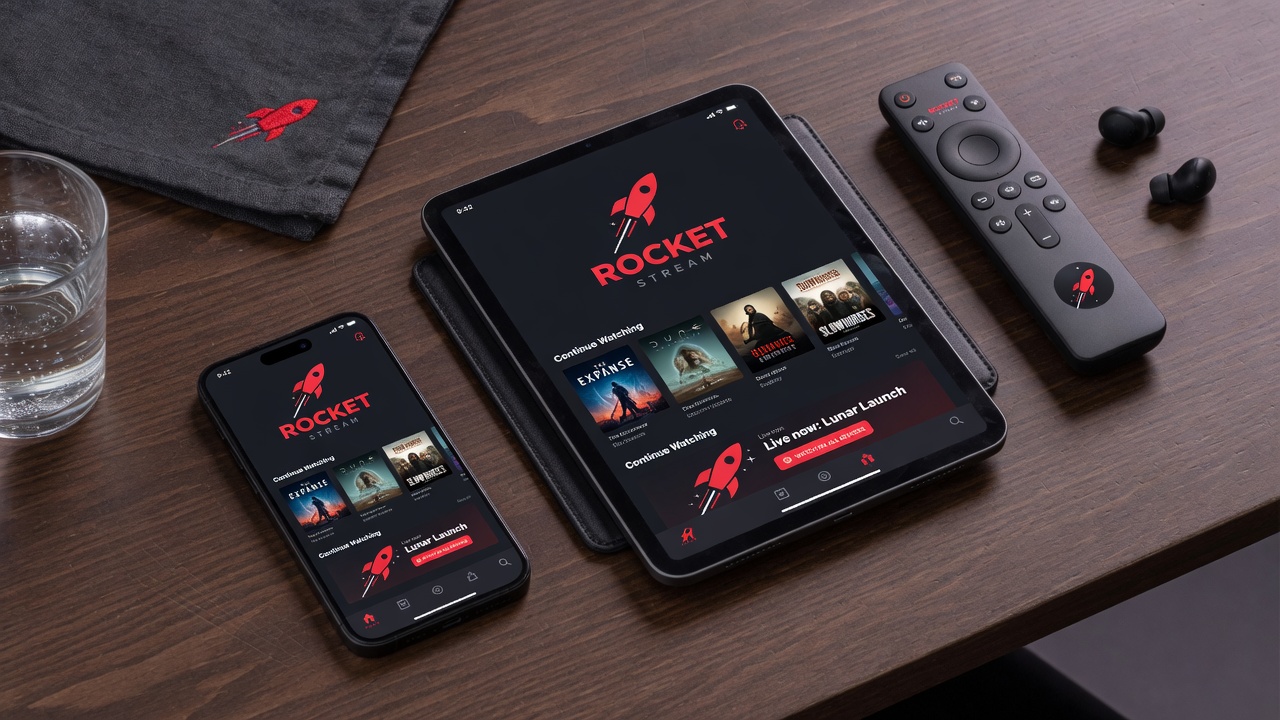
RocketIPTV is a multi-device IPTV playlist manager and player for web, mobile, and Android TV. Add Xtream Codes or M3U sources once, encrypt credentials at rest, pair living-room devices with a QR code, and watch with lightweight clients that keep favorites, search history, and progress in sync.

People find us through practical searches—start here
Features
Xtream and M3U on one account. Test before you trust.
TV shows a code. Phone does the work.
AES-256-GCM at rest. Firebase Auth. Locked Firestore.
Text-scale state only—favorites, history, progress.
Actors, directors, posters via TMDB enrichment.
Now/next always; full guide only when opened.
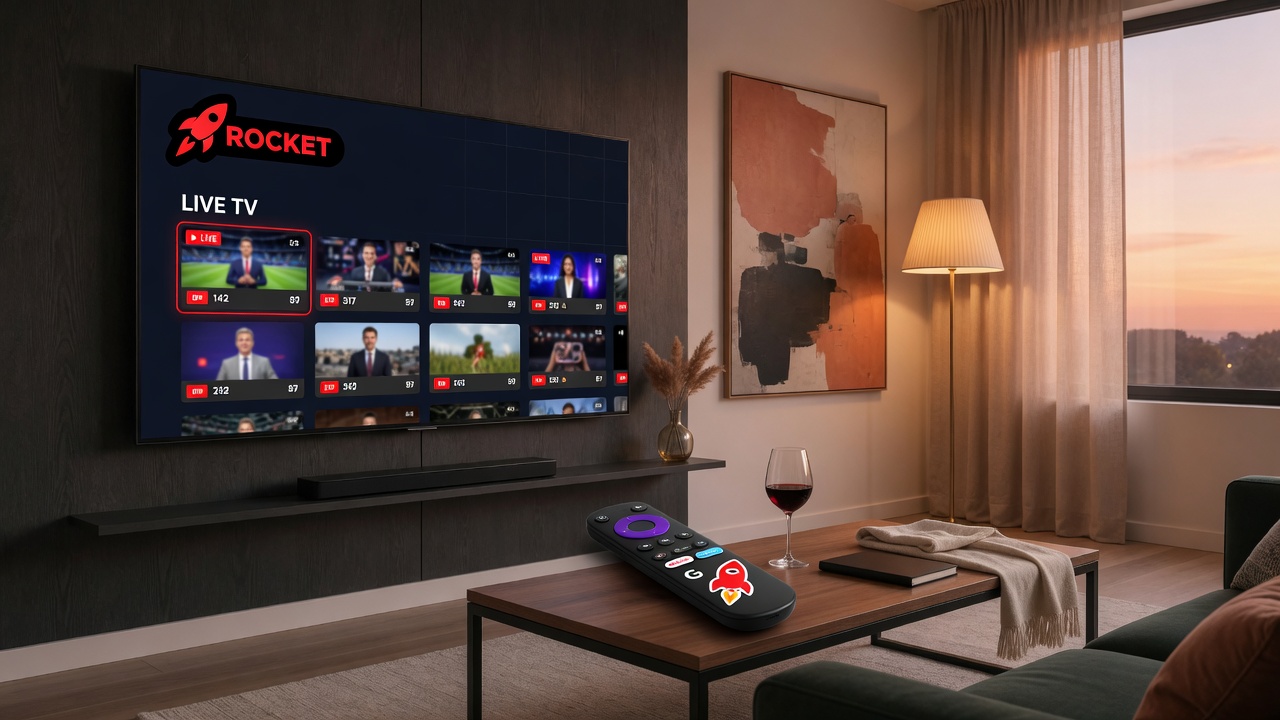
Living room first
Manage playlists on the web. Pair the TV in seconds. Surf channels with a focus-friendly Android TV experience.
Getting started guideLearn
From “Xtream vs M3U” to “pair Android TV without keyboard”—content structured for search and AI citations, with clear answers up front.
Latest from the blog
Xtream Codes uses host, username, and password. M3U is a playlist URL. Compare setup, EPG, VOD, and how RocketIPTV supports both for multi-device IPTV.
Read article →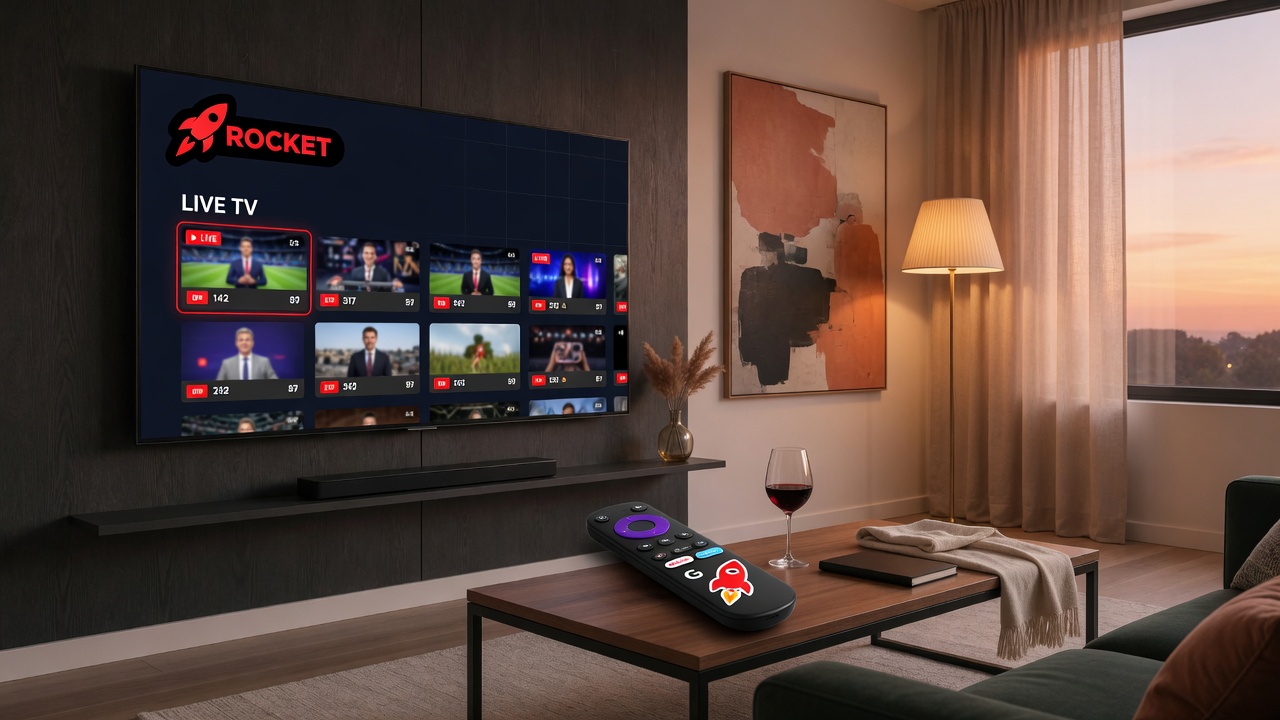
Pair RocketIPTV on Android TV with a QR code. Manage Xtream or M3U playlists on the web, then sign the TV in without the D-pad keyboard.
Read article →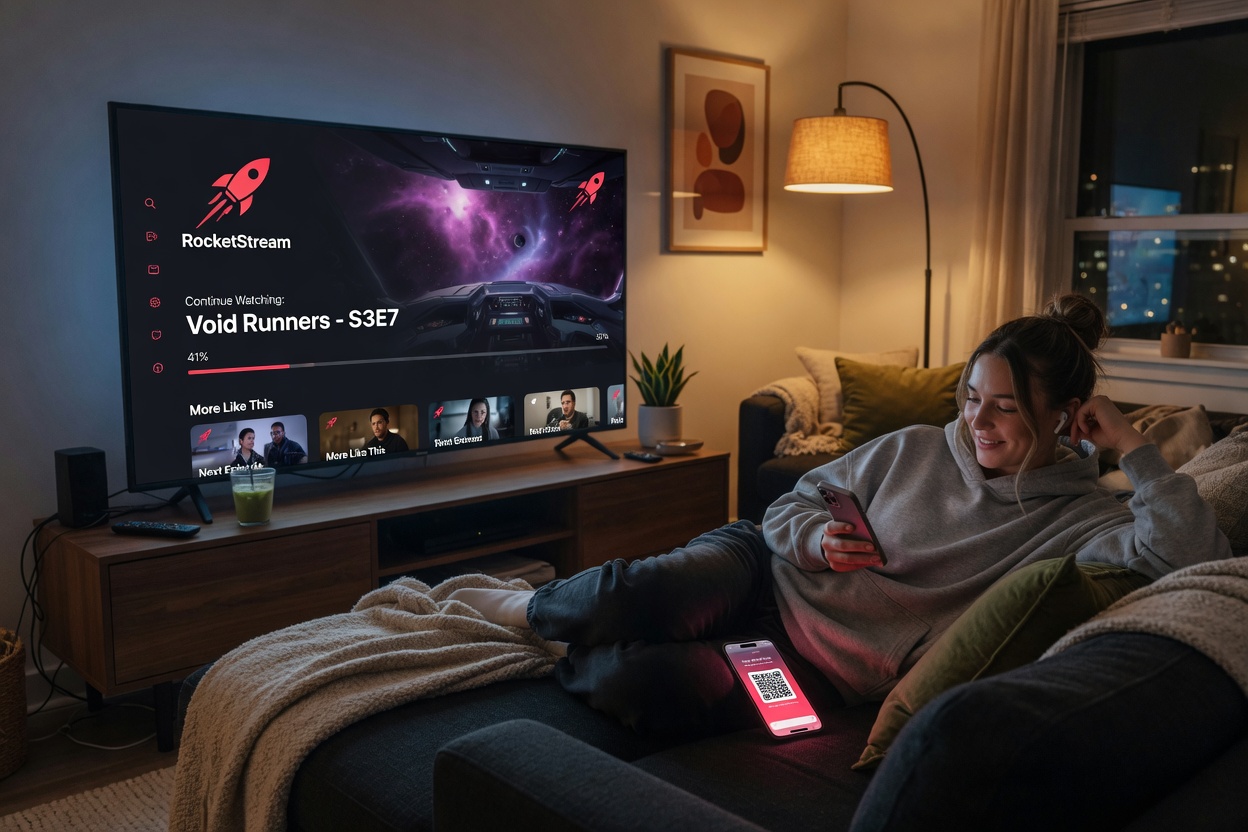
Sync playlists, favorites, and watch history across web, mobile, and Android TV with one RocketIPTV account.
Read article →Create a free account, add a playlist, and pair your first TV today.
Go to app.rocketiptv.cc